
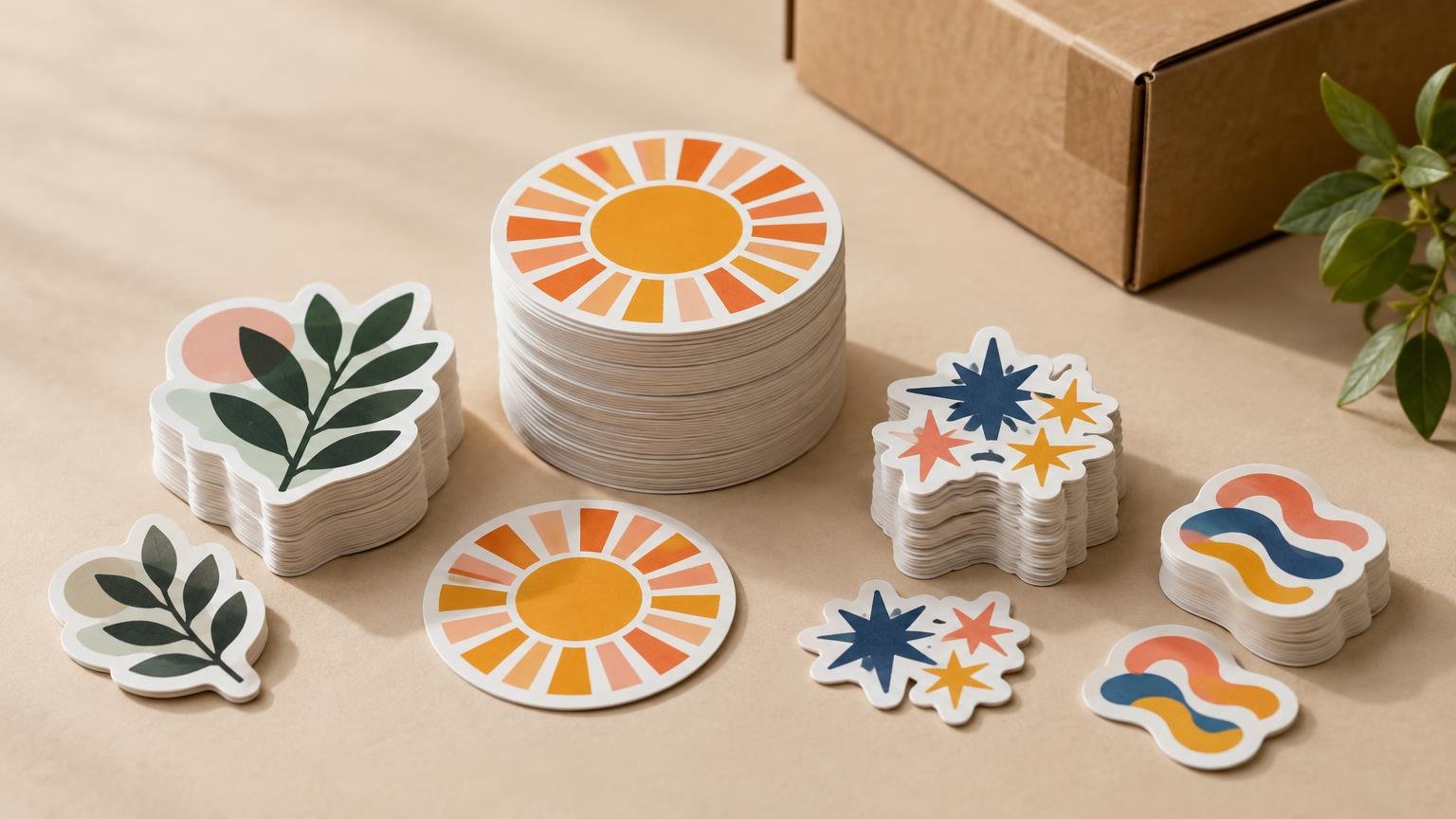
Do not divide a bulk sticker budget evenly among designs unless you expect every design to be used at roughly the same rate. A better plan gives more inventory to proven, long-lived designs; smaller quantities to seasonal or uncertain designs; and enough budget to cover proofs, shipping, replacements, and an earlier-than-expected reorder.
The central question is not simply how many stickers you can buy. It is how many usable stickers each design needs before the artwork, campaign, packaging, or audience changes. That distinction becomes more important as the total order grows.
Confirm how the printer prices multiple designs
Start by asking whether the printer combines quantities across designs. StickerGiant states that it treats each unique artwork file, including a color variation, as a separate item and does not combine different designs for gang-print bulk pricing. In that system, five designs with 1,000 stickers each are not priced like one 5,000-sticker design.
Policies vary, so request a line-item quote for every design rather than assuming the combined quantity earns one large volume discount. Confirm minimum quantities, quantity breaks, proof charges, setup costs, shipping, and whether changing only the color creates a separate item. SheetLabels, for example, publishes different minimums for die-cut stickers, sticker sheets, and rolls, illustrating why format matters to the calculation.
Use delivered cost rather than the headline unit price. The method in our guide to comparing bulk pricing with promotional discounts can help you normalize quotes that handle shipping or discounts differently.
Classify designs before assigning money
Give every design a role. This prevents a visually appealing but unproven design from consuming the same budget as the sticker used on every outgoing package.
| Design role | Typical demand pattern | Opening quantity approach | Reorder approach |
|---|---|---|---|
| Core or flagship | Frequent and relatively predictable | Largest share of the order | Reorder at a preset inventory threshold |
| Supporting | Regular but lower-volume use | Moderate share based on measured consumption | Combine with the next scheduled order when practical |
| Seasonal or campaign-specific | Demand has a fixed window | Order only what can be distributed during that window | Reprint only if the campaign repeats |
| Experimental | Demand is unknown | Use the smallest economically sensible run | Scale after actual usage is recorded |
Estimate demand in units before translating it into dollars. If one design is applied to every shipment while another appears in one out of four shipments, their starting quantities should reflect that difference. For packaging, calculate stickers per order and expected order volume; our comparison of one versus multiple packaging stickers per shipment shows how quickly consumption changes when each package uses more than one label.
Build the allocation from expected use
Consider a hypothetical four-design campaign expected to distribute 10,000 stickers. Forecast use might be 5,000 for a flagship design, 2,500 for a supporting design, 1,500 for a seasonal design, and 1,000 for an experiment. Those figures are planning assumptions, not recommended universal quantities.
Next, obtain a separate delivered quote for each line. If the experimental design has a high minimum or poor unit economics, do not automatically increase it merely to reach a discount tier. Compare the additional spend with the risk that the artwork will change or demand will disappoint. The same inventory logic applies when choosing among 100, 500, and 1,000 stickers: lower unit cost only creates value when the extra pieces are eventually used.
Keep part of the total budget uncommitted. A practical planning reserve can absorb shipping differences, corrected files, expedited production, or a quick reorder of the design that performs better than forecast. The right reserve depends on deadline risk and how confidently you know demand; it is not a fixed industry percentage.
Standardize specifications where the use case allows
Budget comparisons become cleaner when designs share the same size, material, finish, adhesive requirement, and packaging format. Before requesting quotes, define those specifications and review available custom sticker materials and artwork preparation options so each printer is pricing the same job.
Do not standardize specifications that solve genuinely different problems. Pressure-sensitive labels consist of facestock, adhesive, and liner, and those components affect application behavior. A promotional handout, a refrigerated product label, and an outdoor equipment sticker may need different constructions even when their artwork belongs to one campaign.
Application conditions also matter. In its technical bulletin for one durable polyester material, 3M specifies a minimum application temperature of 50°F, calls for clean and dry surfaces, and reports different adhesion results across polypropylene, polycarbonate, and stainless steel. These figures apply to that material rather than every sticker, but the 3M material bulletin demonstrates why the actual surface belongs in the order specification.
Treat proofing as part of the production schedule
Create one approval checklist and apply it to every design: dimensions, cut line, spelling, colors, finish, quantity, material, and application surface. A multi-design order multiplies the number of opportunities for a small oversight.
Allow time for file review and proof approval before production. SheetLabels says it reviews artwork and sends a digital proof within one business day; its listed four-business-day standard turnaround starts after proof approval. A delayed approval therefore moves the production schedule. The company also prefers editable vector artwork when available and recommends artwork at 300 DPI or higher. These are vendor-specific requirements, so verify the printer's current file rules.
Name files consistently with the purchase order, such as design-name_size_material_quantity_version. Record the approved proof version beside each line item. This makes repeat orders easier and reduces the chance of reprinting obsolete artwork.
Plan storage and reorder points before ordering
Large orders need a storage plan, not just an empty shelf. Keep each design separated, labeled with its receipt date and quantity, and protected from uncontrolled heat, moisture, sunlight, dust, and crushing.
The February 2026 Avery Dennison storage guidance recommends keeping pressure-sensitive materials and finished labels clean and dry at about 72°F and 50% relative humidity, with finished labels retained in protective boxes and pouches as long as possible. It also notes that aging varies with the facestock, adhesive chemistry, and liner, and presents use within six months as good manufacturing practice rather than a universal expiration date. Material-specific supplier instructions should take priority for the product you order.
Track beginning inventory, units distributed, damaged units, and ending inventory by design. Set reorder points from average weekly use plus production and shipping lead time. A design using 200 stickers per week with a three-week replenishment window needs at least 600 stickers simply to cover expected consumption during that window; add safety stock according to demand volatility and the consequence of running out.
Make the second order better than the first
A repeatable bulk order is a measurement system. After the first cycle, move budget toward designs with dependable usage, reduce slow inventory, retire time-sensitive artwork, and reconsider whether experimental designs deserve larger runs. Review how quantity discounts affect unit price without losing sight of cash tied up in unused stock.
Before approving the order, confirm six things: each design's role, forecast usage, line-item delivered cost, final specification, proof owner, and reorder threshold. Split the budget according to expected consumption and design stability—not according to how many artwork files happen to be in the folder.